A new archivists' toolkit
A Lot More Product, A Lot Less Process
ArchiveOS is an archivists’ toolkit for creating, describing, organizing, managing, preserving, and sharing archives. It is built around professional archival standards and makes it accessible for everybody.
We believe archival tools should support the work, not be the work. ArchiveOS brings the essential functions of archival description and collection management together in one approachable place. We built ArchiveOS to be accessible whether you’re an archivist, artist or creator, student or academic, educator or classroom, family or family office, or a small organization, especially those with limited resources, to steward your collections.
Tiny Archives is built around a simple idea: archives belong to all of us, and we all belong in archives and in the historical record. Important collections do not exist only inside large institutions. They live in studios, classrooms, family homes, offices, community organizations, small archives, and boxes that somebody has been meaning to organize for twenty years. We also believe that a collection may just include one shoebox of letters, one photo album, a stack of journals, or a family recipe box.
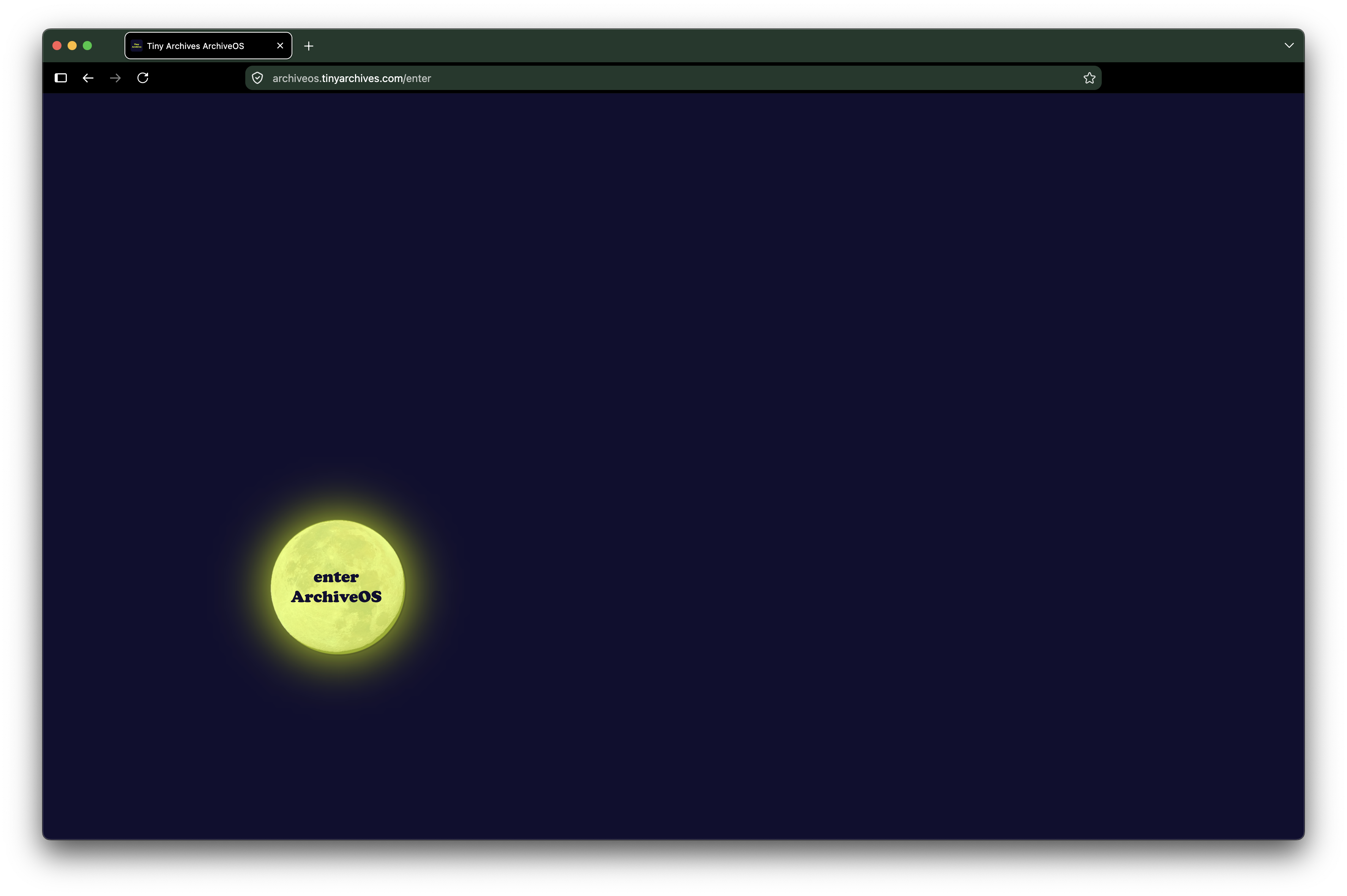
Welcome to ArchiveOS
ArchiveOS is an archivists’ toolkit for creating, describing, organizing, managing, preserving, and sharing archives.
ArchiveOS was intentionally designed to look simple, and to be easy to use. The complexity is built behind the scenes where its robust archives infrastructure supports the work.
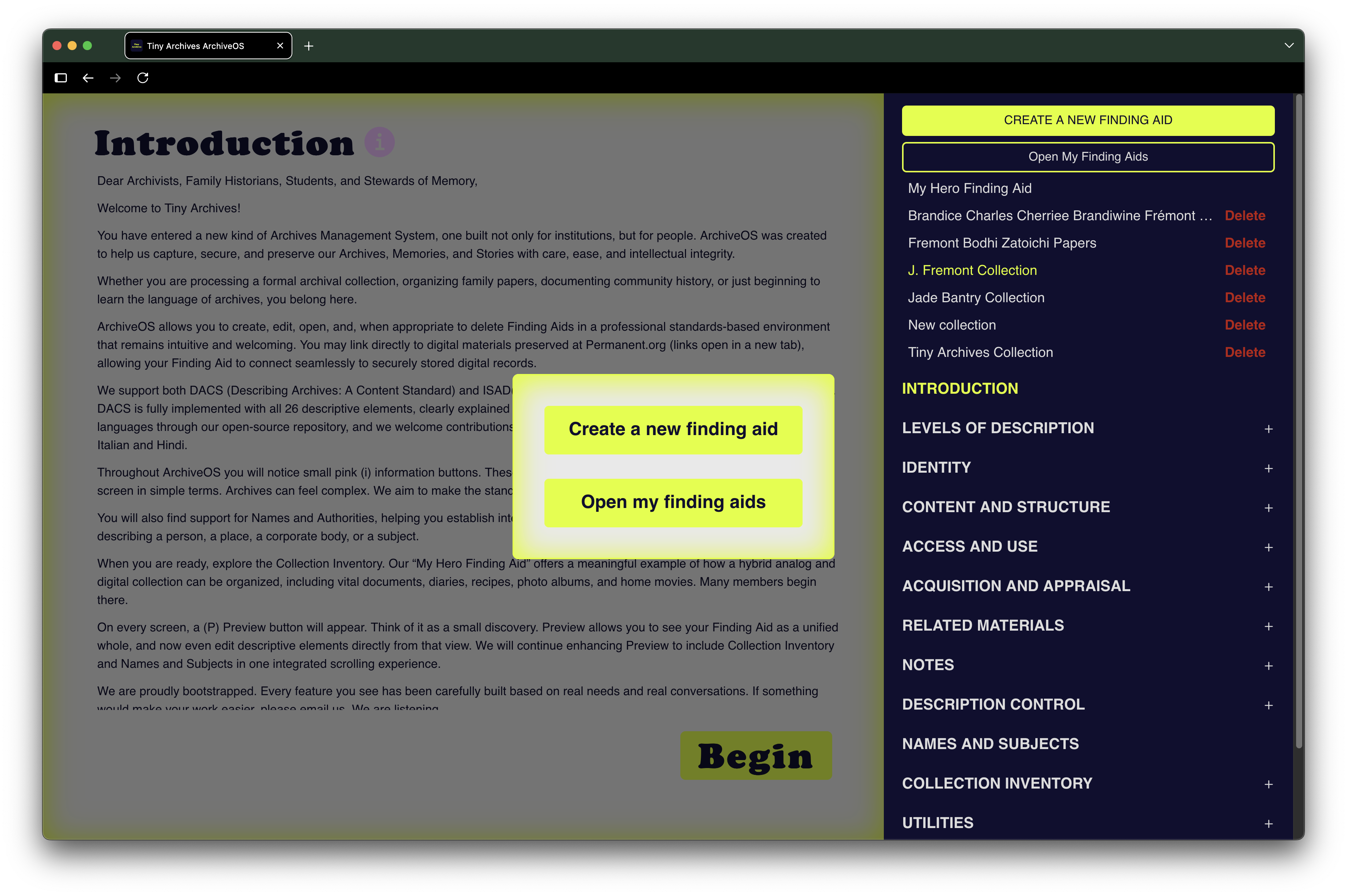
Create, Open, Edit & Delete Finding Aids
Finding aids are the core function of ArchiveOS.
Start a new collection or return to work already underway. Create, open, edit, and manage finding aids from a single workspace, whether you are describing your first personal archive or managing many collections. ArchiveOS is designed to get you into the collection quickly, rather than making you navigate layers of software before the archival work can begin.
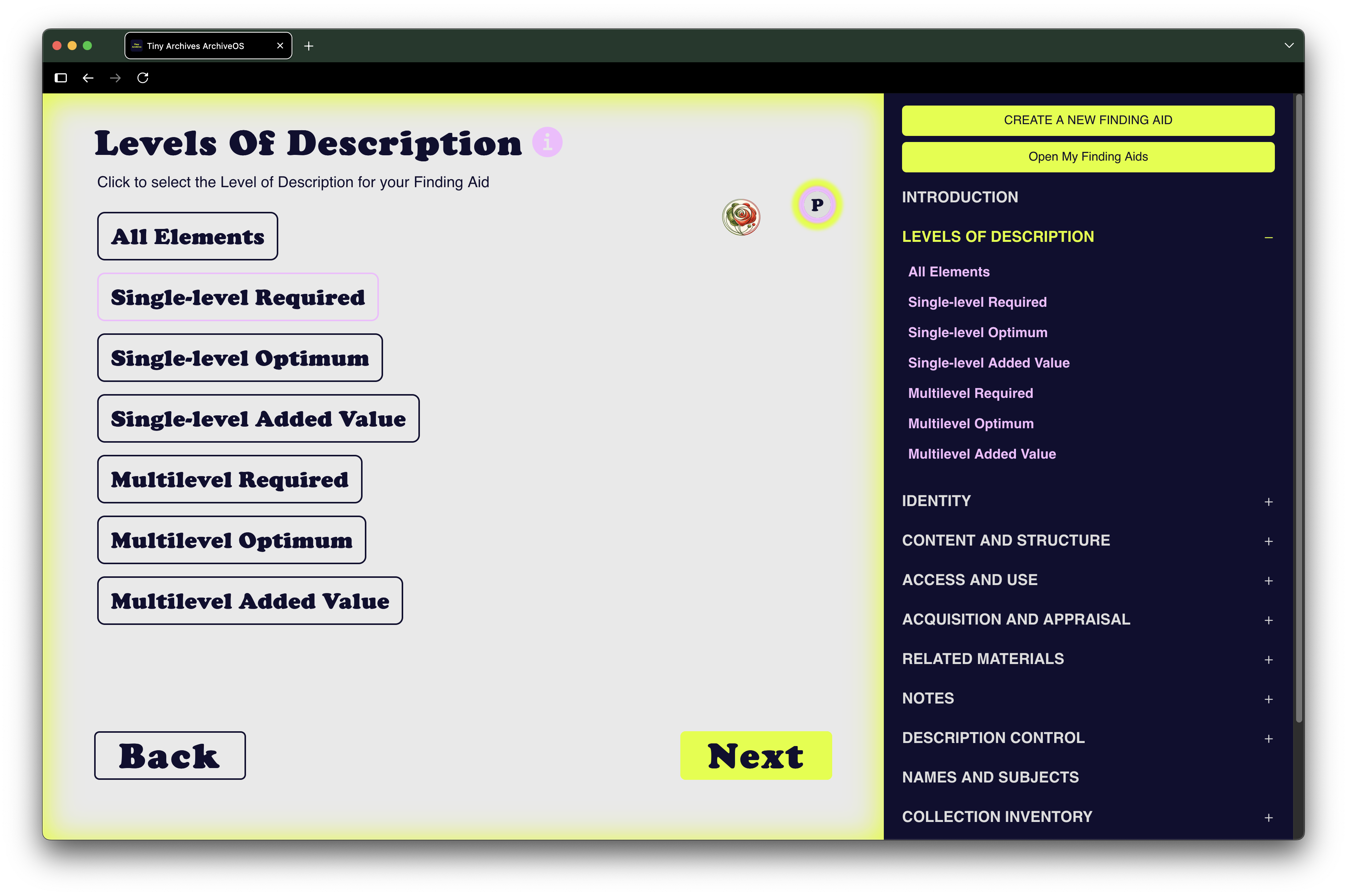
Levels of Description
The collection decides how deeply you describe it. ArchiveOS does not.
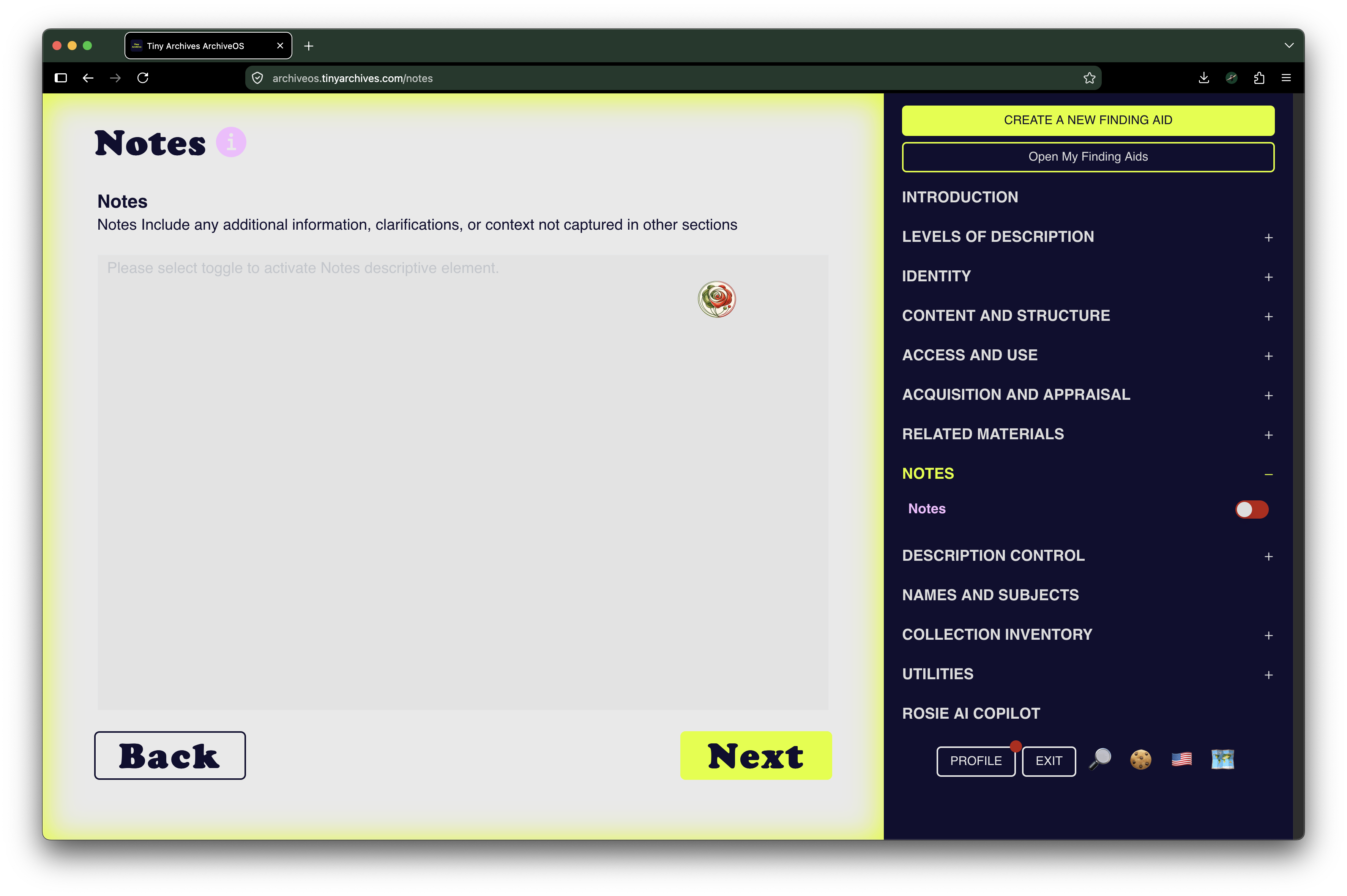
Levels of Description makes it easy to move through the structure of a collection while you work. Activate or deactivate individual descriptive elements (or Areas if you’re in ISAD(G) mode) using the red and green toggles in the right navigation.
You do not have to complete one descriptive element or area before moving to another. Work where the collection takes you, return to unfinished description later, and use only the elements that make sense for the materials in front of you.
Descriptive Elements & Areas
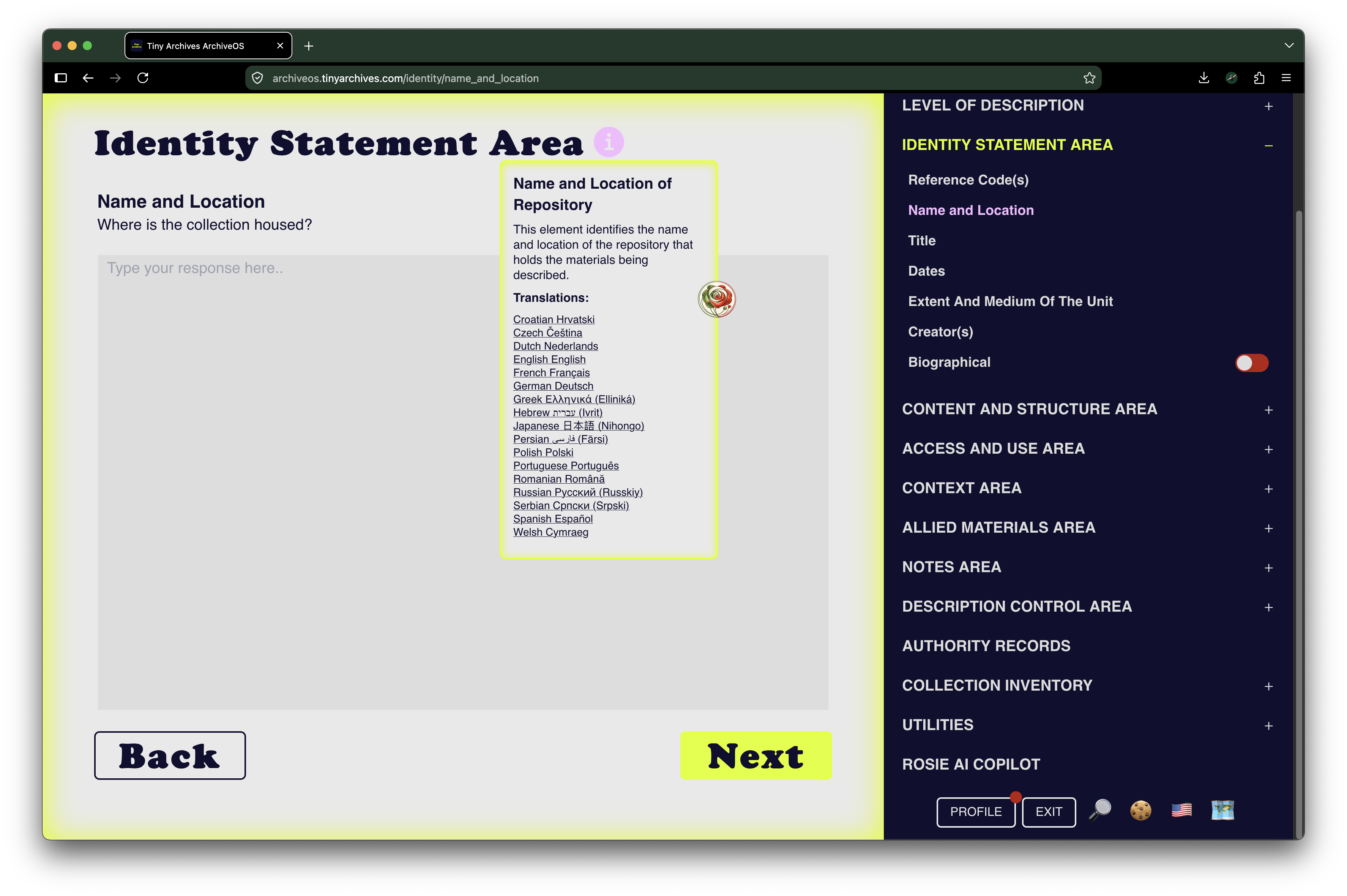
ArchiveOS puts professional archival standards into the workflow without making the standard itself the workflow.
In DACS mode, ArchiveOS provides the 26 descriptive elements of Describing Archives: A Content Standard. In ISAD(G) mode, archival description is organized through its descriptive areas, with basic support in 17 languages. Choose the elements or areas appropriate to the collection and build the description at your own pace.
(i) Info
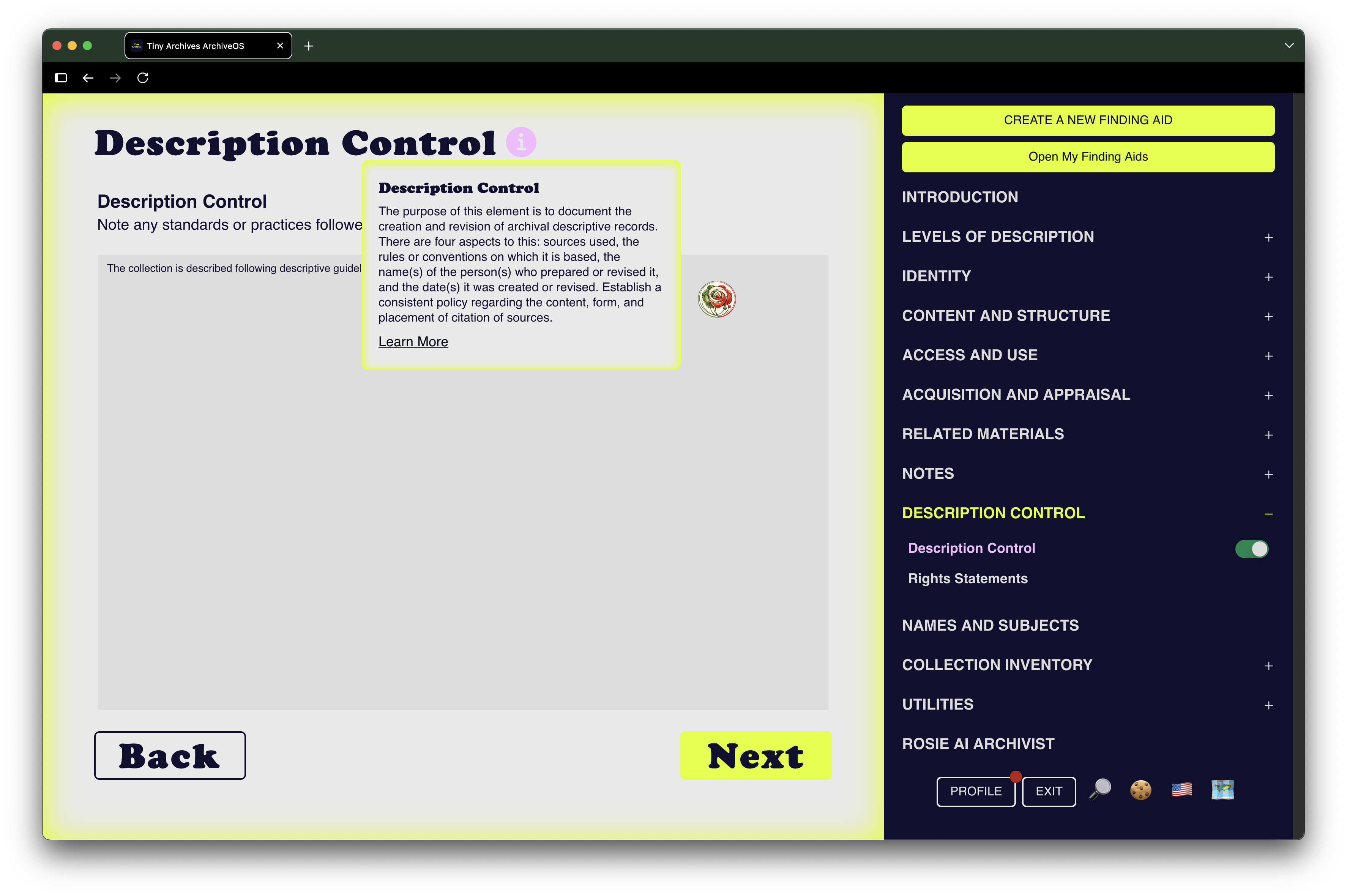
Every ArchiveOS screen includes an (i) information button. Open it whenever you want to understand the feature, descriptive element, descriptive area, or archival concept in front of you. Learn while you work, without leaving ArchiveOS to hunt through documentation.
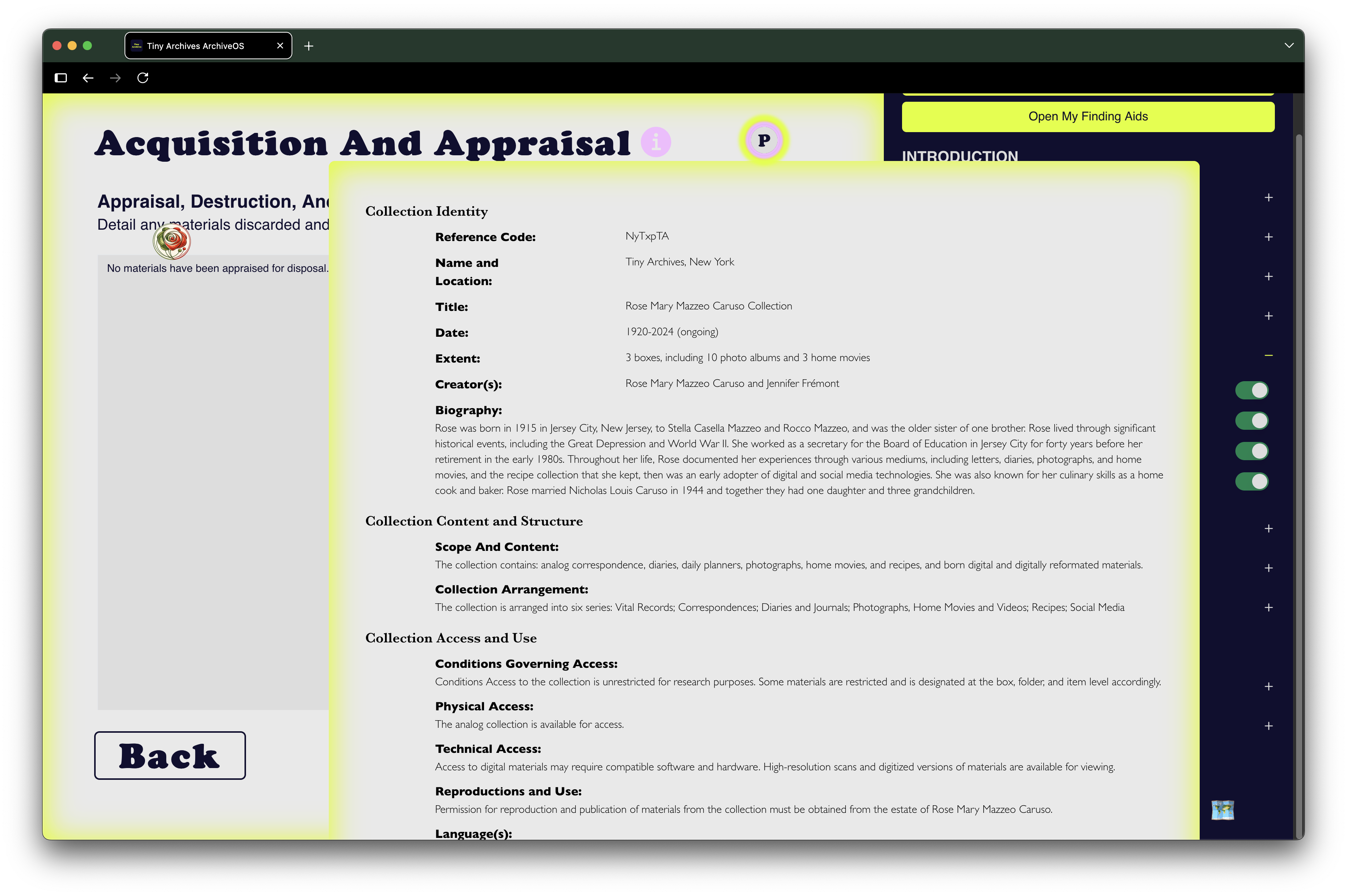
The Notorious (P)
Our Notorious P, the Preview Screen, makes it easy to see your finding aid take shape while you process and describe a collection. Preview becomes a visual progress guide as well as a preview of the finished finding aid. If you have chosen to describe all elements, or only the elements associated with a particular Level of Description, only the active elements appear.
See what is there. See what is missing. Keep working.
Names & Subjects
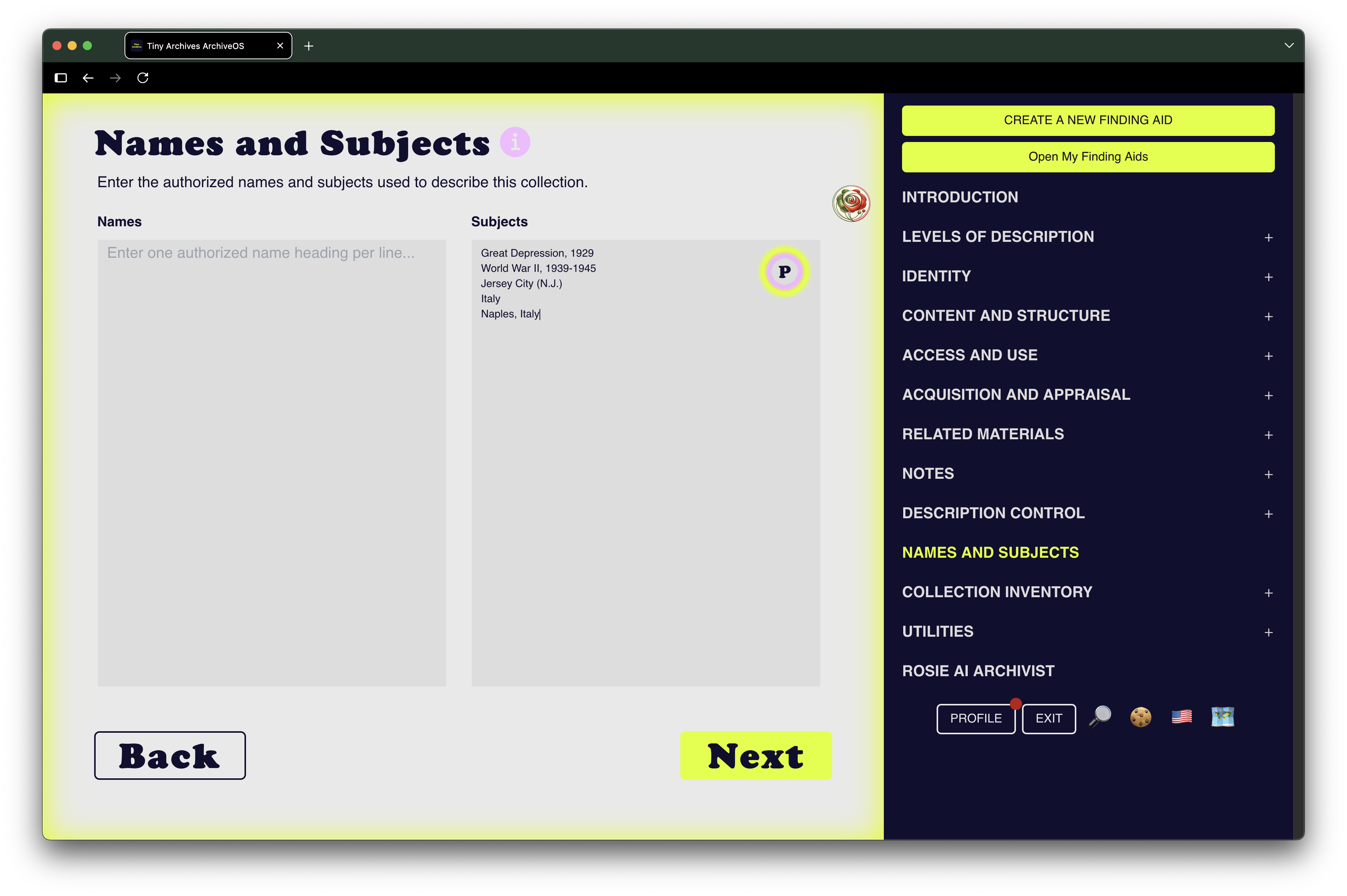
Collections are about people, organizations, places, events, ideas, and the relationships between them.
Names & Subjects gives you a structured place to create those access points and make collections more discoverable. The (i) information window connects you directly to Library of Congress Authorities so you can research and select established names and subjects while describing your collection.
We are working toward making that relationship even more seamless inside ArchiveOS through direct authority lookup.
Collection Inventory
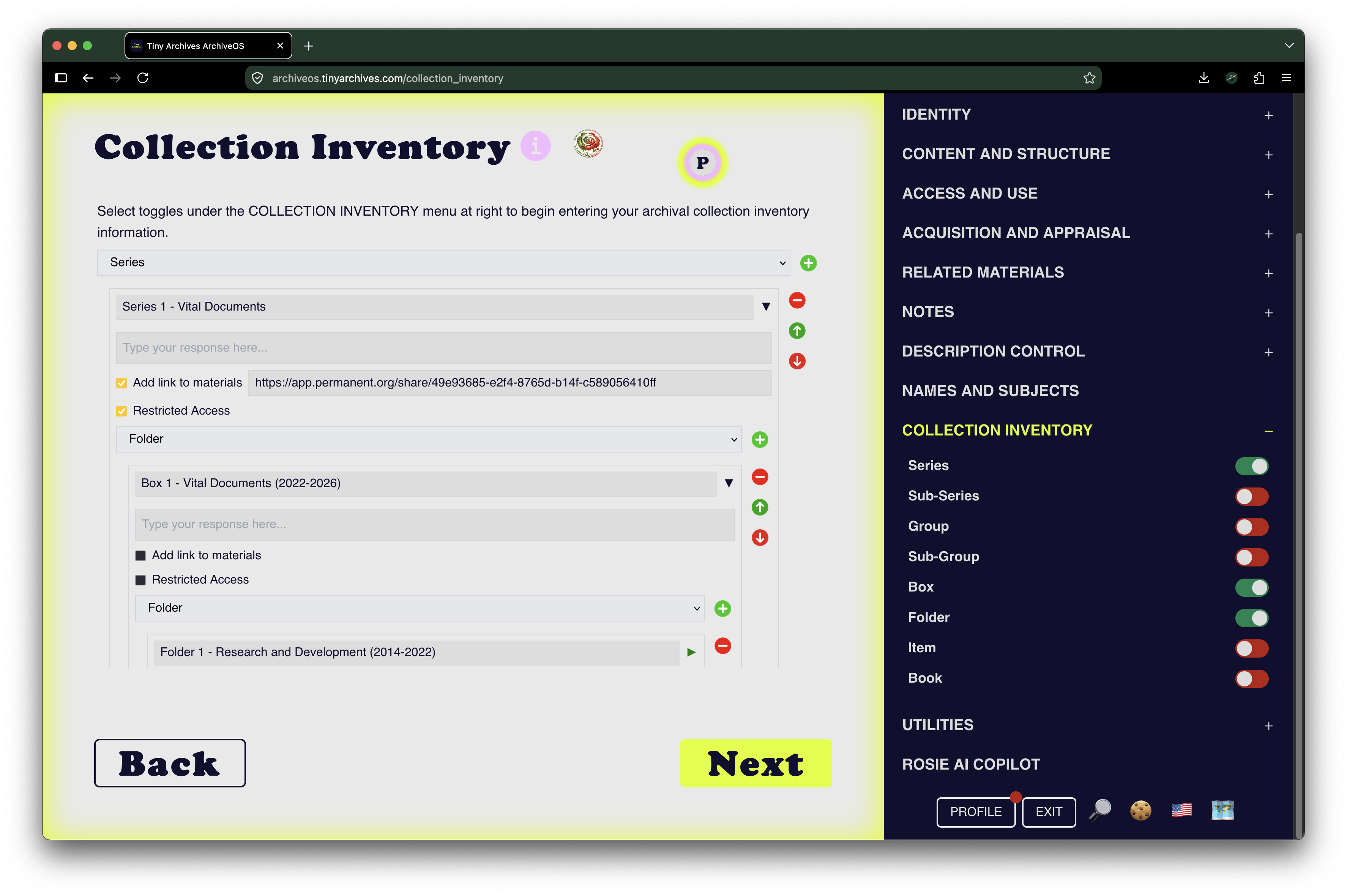
Build the inventory as you build the collection. Use the red and green toggles to dynamically activate the hierarchy your materials actually need: Series → Sub-Series → Group → Sub-Group → Box → Folder → Item
A dedicated Book level accommodates books whose marginalia, annotations, inserts, provenance, or other characteristics make the individual copy an archival artifact rather than simply a circulating library book.
Add links to digital artifacts held in the repository of your choice. Mark restricted materials from the top level so restrictions carry into the resulting finding aid.
Your finding aid can then travel with you through exports including PDF, DOCX, and EAD/XML.
And yes: thumbnails are on our development roadmap.
Two Modes: DACS + ISAD(G)
ArchiveOS currently provides two descriptive modes: DACS, for archival description in the United States, and ISAD(G) for international archival description. ISAD(G) mode currently includes basic support in 17 languages. As ArchiveOS grows internationally, language support will grow with the people and collections using it.
Your Collection Page
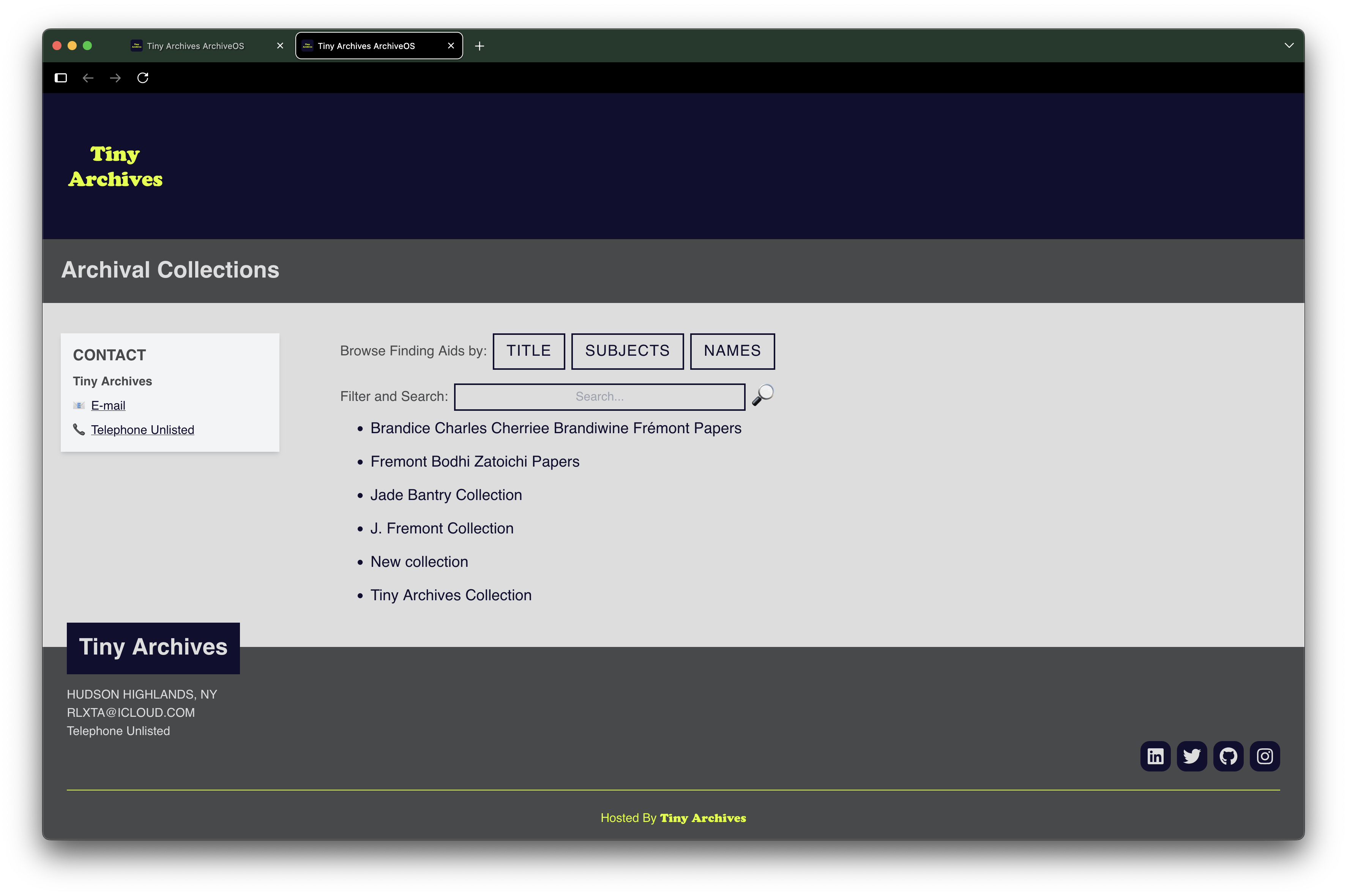
For Family and Organization accounts, ArchiveOS extends beyond creating the finding aid to helping people discover what you preserve. Your page is automatically created when you join Tiny Archives. Customize it on the profile screen with your own color theme, logo, contact information, and social media links. Visitors can browse across Names, Subjects, and Titles, or use full-text search to explore the collections you make available.
Archival Box Label Maker
We are very proud of this feature!
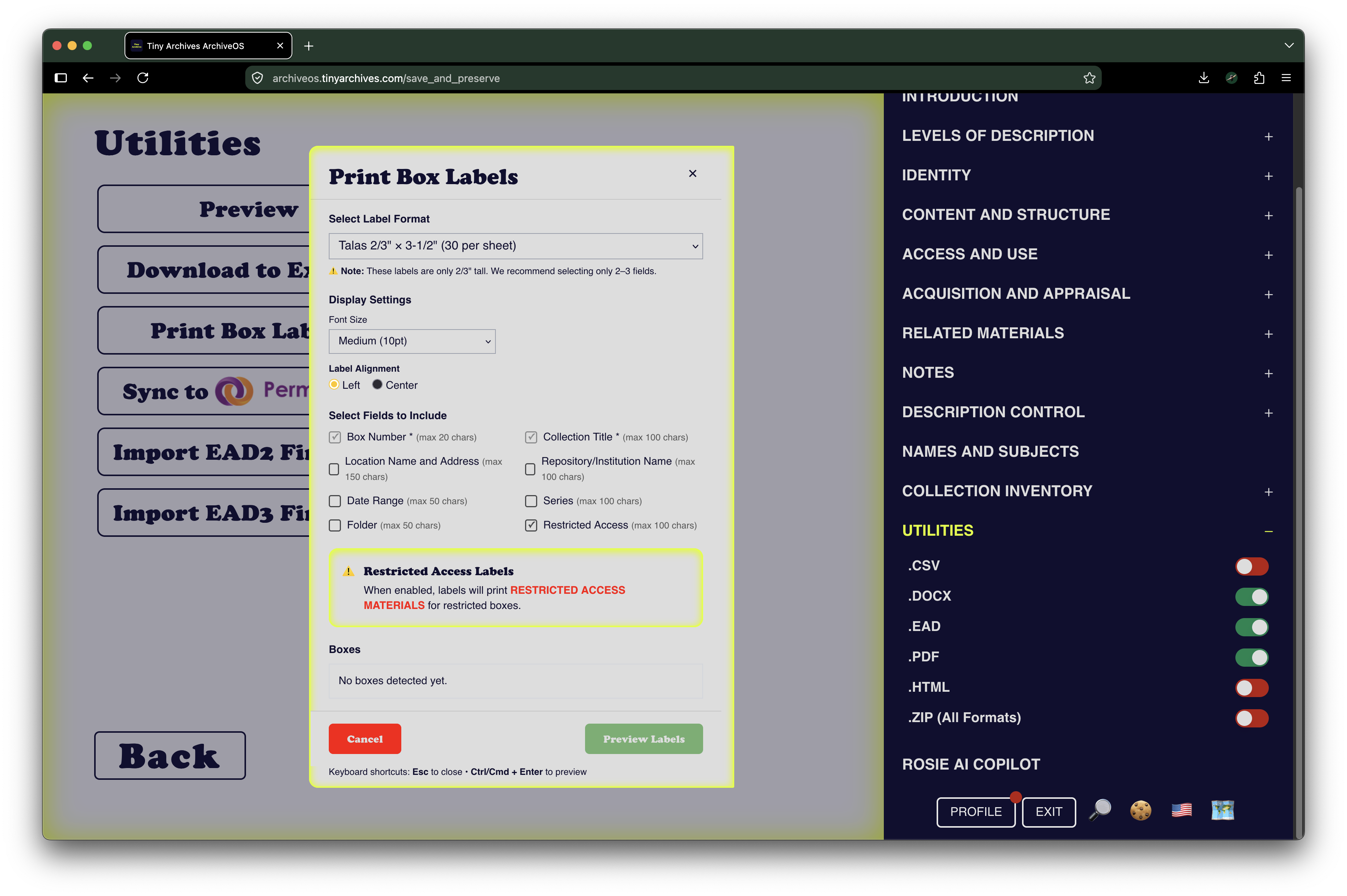
The ArchiveOS Archival Box Label Maker takes the guesswork, repeated exports, formatting, and configuration out of that process. Labels will use information added to your collection. Easily print common archival label sizes in a matter of clicks.

Rosie AI Archivist
Meet Rosie, the ArchiveOS AI archivist.
Our first iteration of Rosie is deliberately structured and heavily guardrailed. She is not a general-purpose AI chat client. Rosie exists inside the archival environment to help people understand archival concepts, ArchiveOS features, descriptive practice, and the work immediately in front of them.
Her evolution and improvement continue alongside ArchiveOS.
Join Tiny Archives + ArchiveOS
INDIVIDUAL
For archivists, artists and creators, students and academics, family historians, and anyone with a collection to preserve.
Build finding aids, describe and inventory collections, and use the ArchiveOS toolkit for your own archival work.
USA Regular
$10/month or $100/year
International & USA Need-Based
Starting at $2/month, with additional reduced-cost options available.
FAMILY
For the archives families build together.
Preserve family papers, photographs, correspondence, creative work, genealogy, digital materials, and the records that carry one generation into the next.
Family accounts include the tools for describing and managing collections plus a customizable collection page for sharing and discovery.
$20/month or $200/year
Opens in a new tab.ORGANIZATION
For small and resource-constrained organizations doing real archival work.
ArchiveOS gives community archives, studios, cultural organizations, family offices, schools, small museums, historical organizations, and other collection holders an approachable archival toolkit without requiring an enterprise-scale system.
Organization accounts include a customizable collection page for making collections discoverable.
$500/year
Opens in a new tab.Archives, Memory, and Storytelling Ecosystem
Archives do not exist in isolation. We see archival description as the hub of an Archives, Memory, and Storytelling Ecosystem.
A finding aid establishes what a collection is, what it contains, how it is organized, where it came from, how it can be accessed, and how its people, places, subjects, and stories connect. Description is one part of preservation. Digital materials need durable homes. Stories need to be recorded. Websites need to be captured. Family histories need to be researched. Collections can become exhibitions. Biological inheritance can reveal another kind of human record.
Tiny Archives recommends complementary organizations, platforms, and services that do these things particularly well. Each contributes something different, and each has an emphasis on persistence, permanence, memory, and enduring access.
ArchiveOS is the hub. The ecosystem extends outward from the archive.